
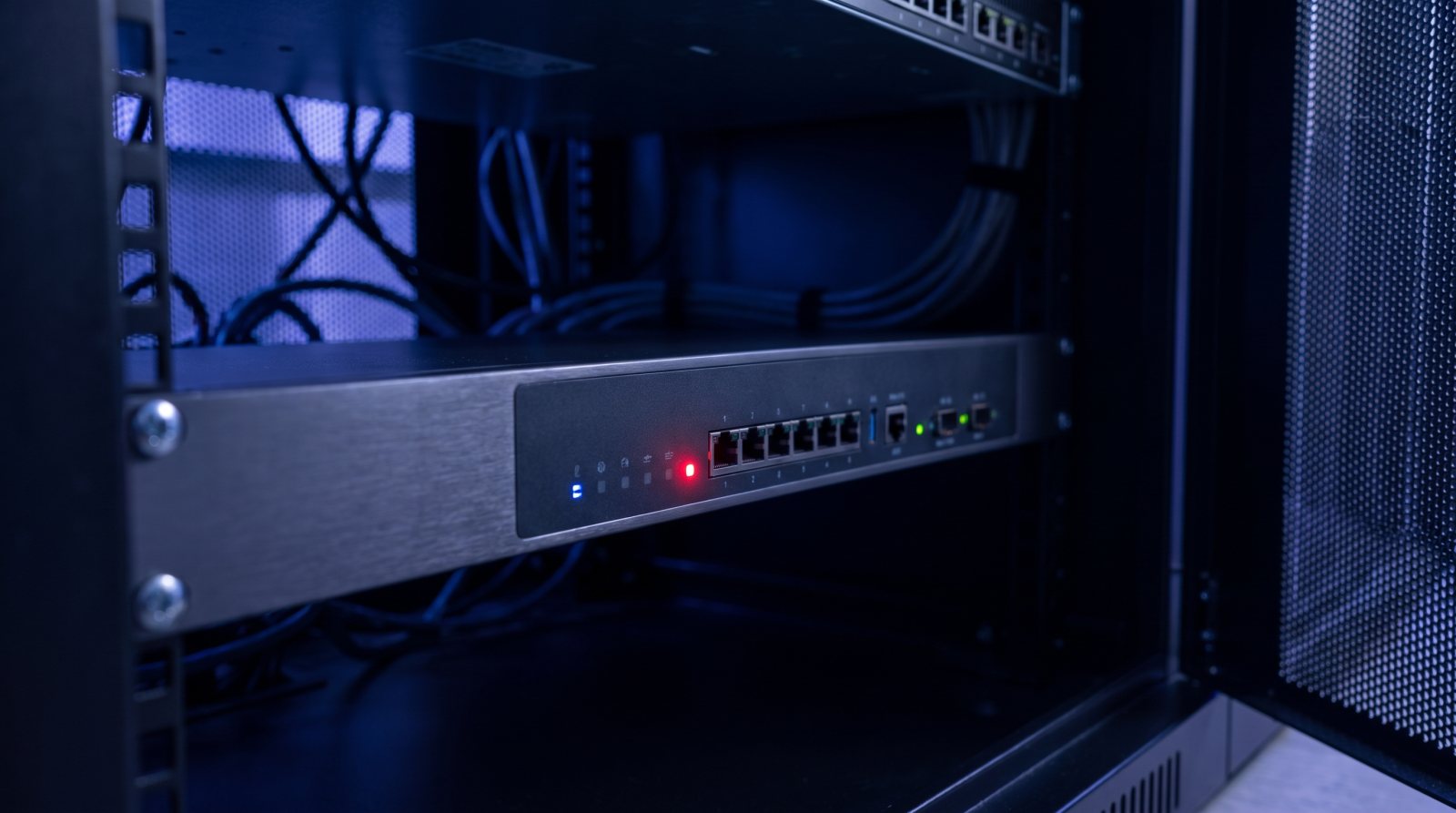
Since the beginning of September, attackers have been taking over routers whose SSH management service is reachable directly from the internet. They do not need to log in: the flaw hands them full administrative rights straight away. Poland's national cyber team CERT Polska issued a warning this weekend and reports successful attacks from 2 September onwards. The devices involved are made by MikroTik, but the underlying pattern reaches well beyond that one brand.
What is actually happening
The vulnerability sits in the management service of RouterOS, the operating system these routers run. If SSH is exposed to the internet, an attacker can take on the administrator role without a password. From that point they can change settings, reroute traffic, create additional accounts and leave behind scripts that survive a reboot. MikroTik has released updates; according to The Hacker News these are versions 6.49.21, 7.23.4 and 7.24.2, and later.
Why this concerns you
A router looks like a technical detail, but it sits in front of everything you have put in place for security. All of your internet traffic passes through it. Whoever controls the router can read along, send traffic to a server of their own, or simply wait for a convenient moment. Your firewall, your virus scanner and your backup will not notice a thing, because the attack takes place one layer earlier.
The wider point is not the brand, but the question of what is exposed to the internet in your organisation. In many networks, management ports are still open because it was convenient at some stage: a supplier who needed remote access, a temporary arrangement that was never reversed, a device carried over during a move without anyone reviewing its settings. Leftovers like these can sit there for years without anyone looking at them.
What you can do now
- Ask which network equipment in your environment is reachable from outside, and on which ports.
- Have the available updates for routers and firewalls applied this week, rather than at the next scheduled round.
- Restrict management access to a fixed list of addresses or to a secured connection, so the management service is never openly exposed.
- Once patching is done, have logs and accounts reviewed: an update closes the door, but it does not remove an attacker who was already inside.
- Record who is responsible for edge equipment. In practice that is the party managing it, but this is often not set down in writing.
How we handle this
For our managed customers we keep track of which network equipment is in place, which version it runs and what is visible from outside. Warnings like this one are translated into a concrete list: which device, which version, which action. Where possible we schedule the update ourselves, and where it affects your operations we agree on the timing in advance. Management ports that are exposed are taken off the internet as a matter of course, even when no vulnerability is known.
Would you like to know what is visible from outside in your network, and whether that matches what you believe is open? Arrange a conversation with one of our engineers; half an hour is usually enough to see where attention is needed.
Read also
Critical PHP flaws: have your website updated today
Ready to run worry-free?
Book a no-obligation introduction. We map your IT and security and show where the difference lies.
Book a call →